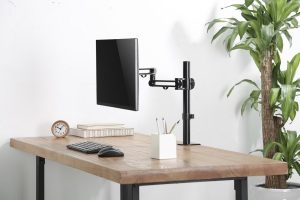
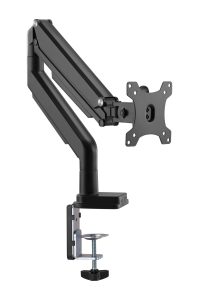
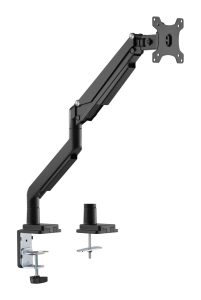
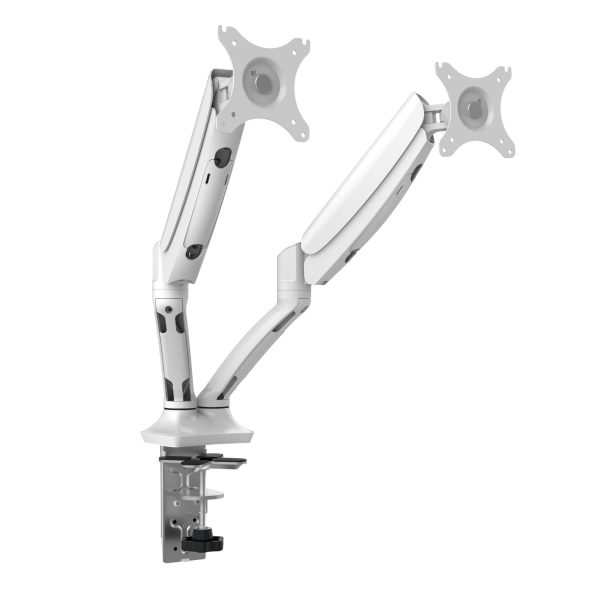
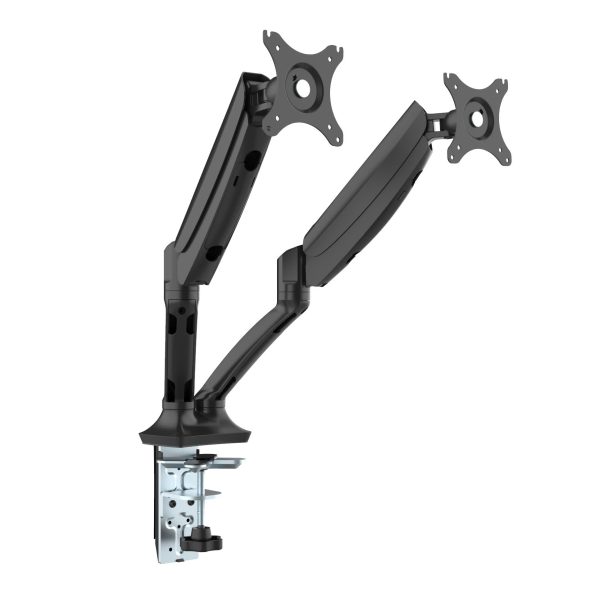
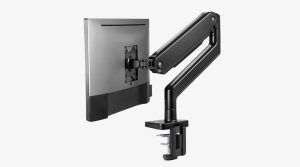
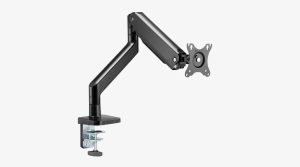
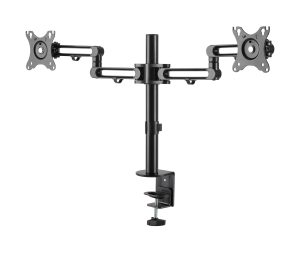
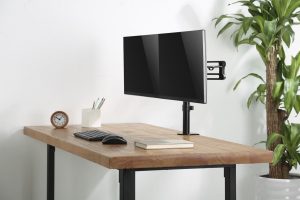
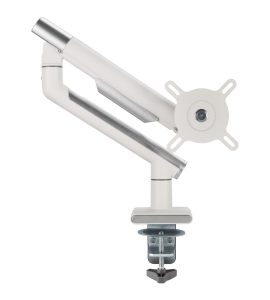
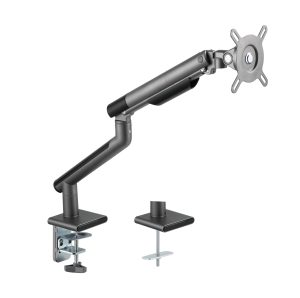
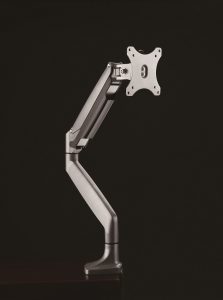
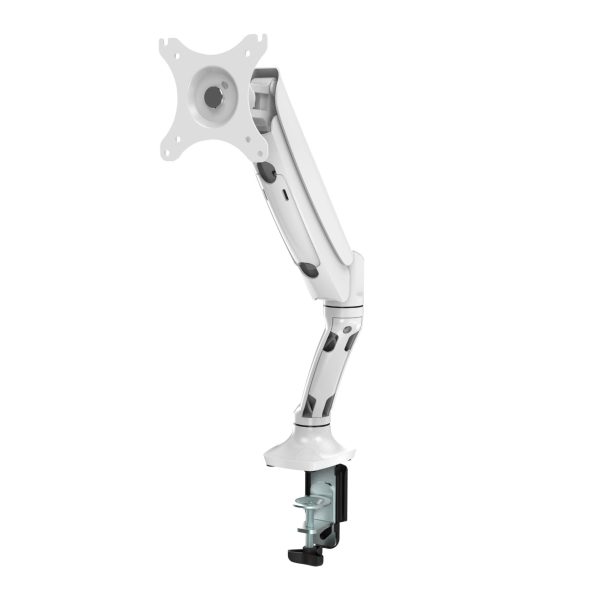
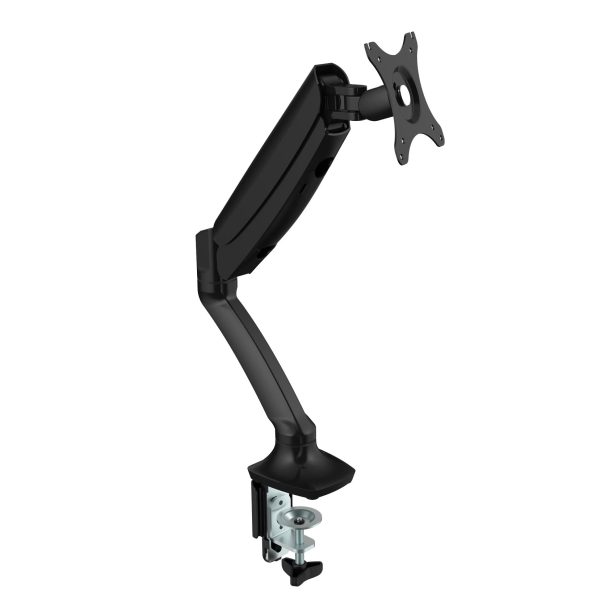
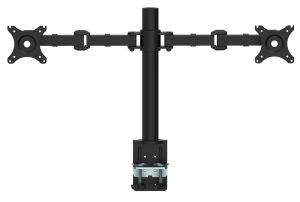
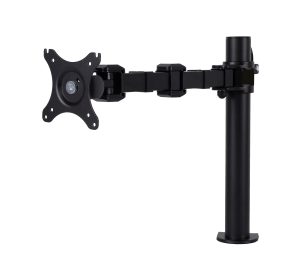
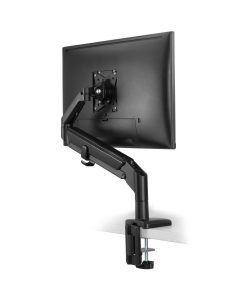
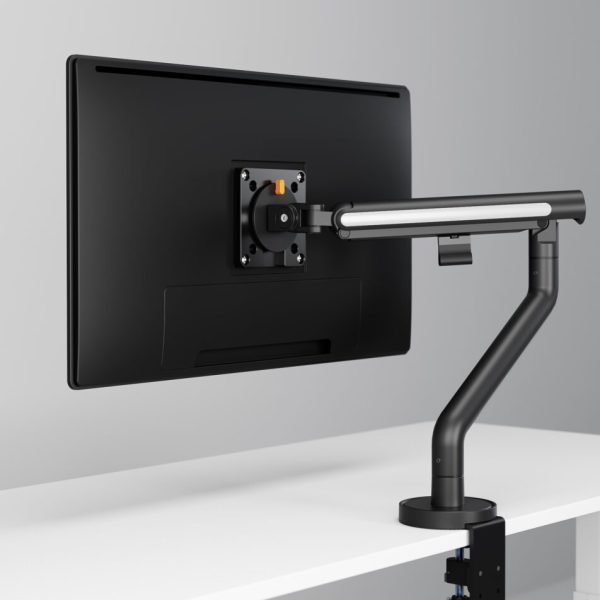
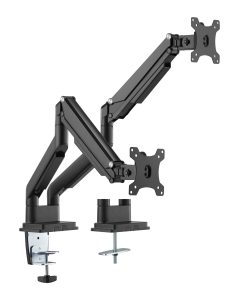
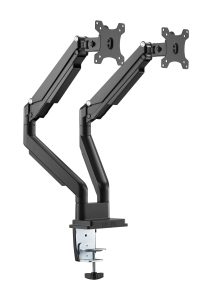
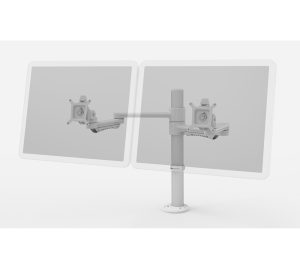
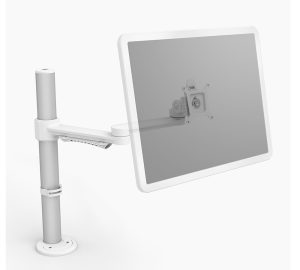
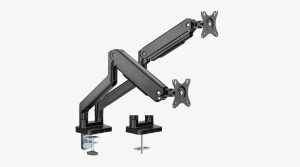
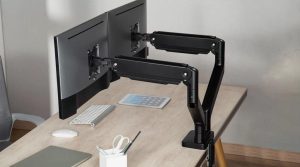
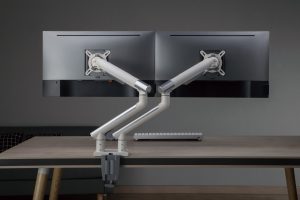
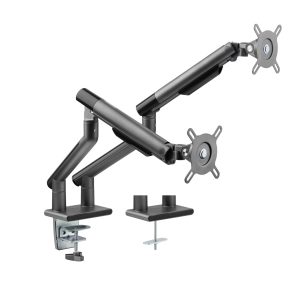
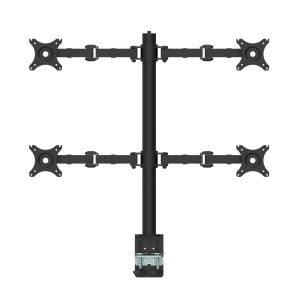
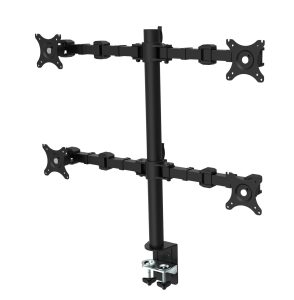
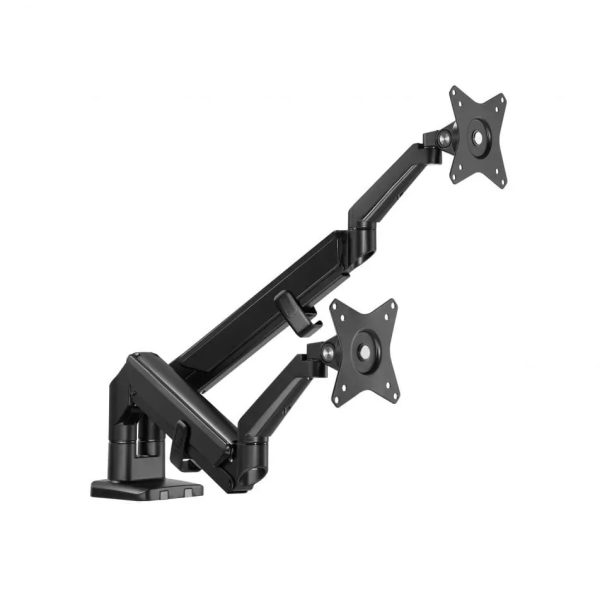
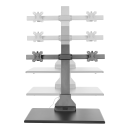
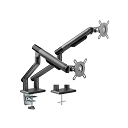
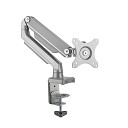
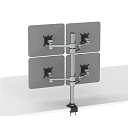
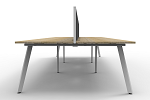
Monitor arms free up desk space, improve ergonomics, and enhance productivity. Whether you need a single, dual, or Multi monitor mount, they offer numerous advantages for productivity, health, and workspace efficiency.
. ← All Categories
About Monitor Arms
While designing any workspace,monitor arms play a crucial role in ergonomics, space efficiency, and aesthetics. They allow businesses to create flexible, modern workstations that improve employee comfort and productivity.
Benefits of Using Monitor Arms
1. Ergonomic Adjustability
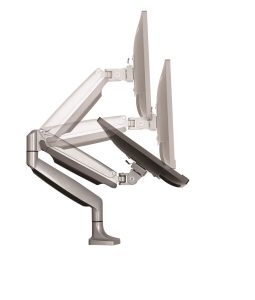
● Raise, lower, tilt, swivel, or rotate monitors for optimal viewing angles.
● Reduce neck, shoulder, and eye strain by aligning the screen at eye level.
2. Space Optimisation
● Free up desk space by lifting monitors off the surface.
● Ideal for small desks or multi-monitor setups.
3. Improved Productivity
● Easily switch between portrait and landscape modes.
● Better organization for multitasking.
4. Cable Management
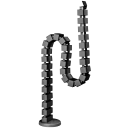
● Many arms include clips or channels to keep cables tidy.
5. Clean & Professional Aesthetics
● Clean, modern look compared to bulky monitor stands.
● Reduces cable clutter for a sleek, organized look.
● Creates a modern, tech-savvy office environment.
6. Future-Proofing
● Easily upgrade monitors without replacing stands.
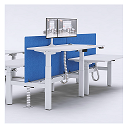
● Adaptable to different desk configurations (standing desks, benching systems).
Types of Monitor Arms
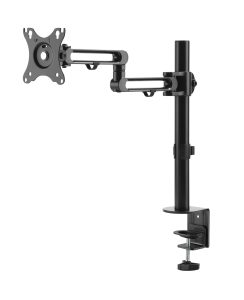
1. Single Monitor Arms
● Holds one display.
● Best for compact workspaces or single-screen users.
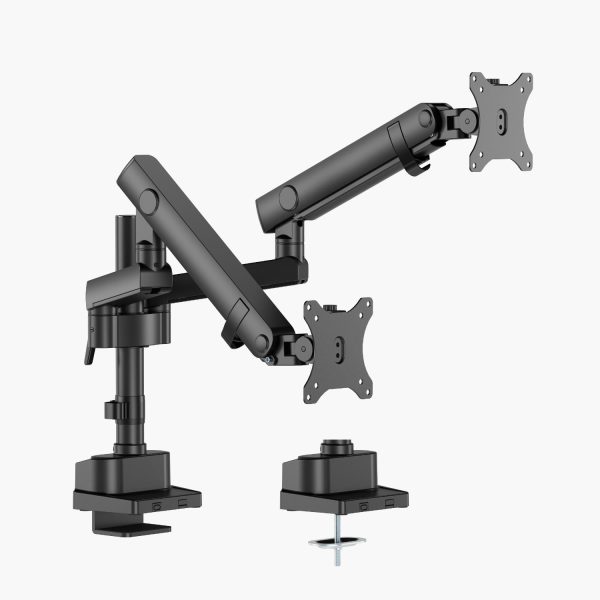
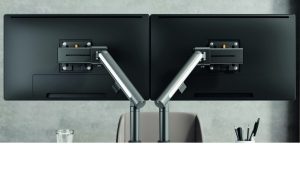
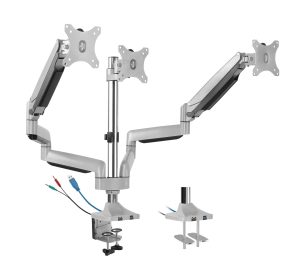
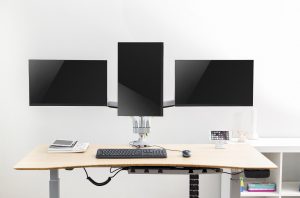
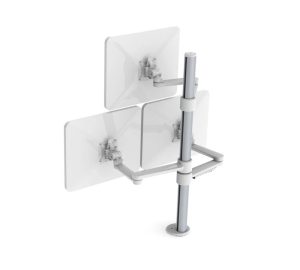
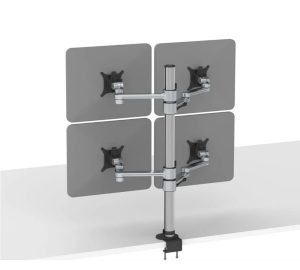
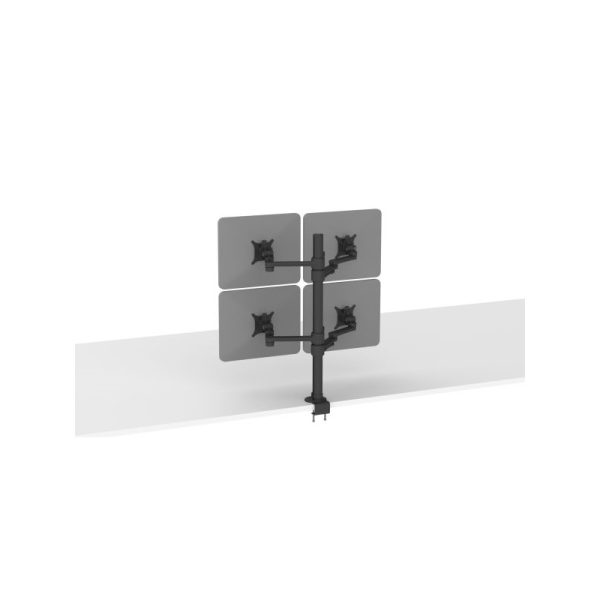
2. Dual/Triple Monitor Arms
● Supports multiple screens side by side.
● Ideal for multitasking (e.g., coding, trading, design).
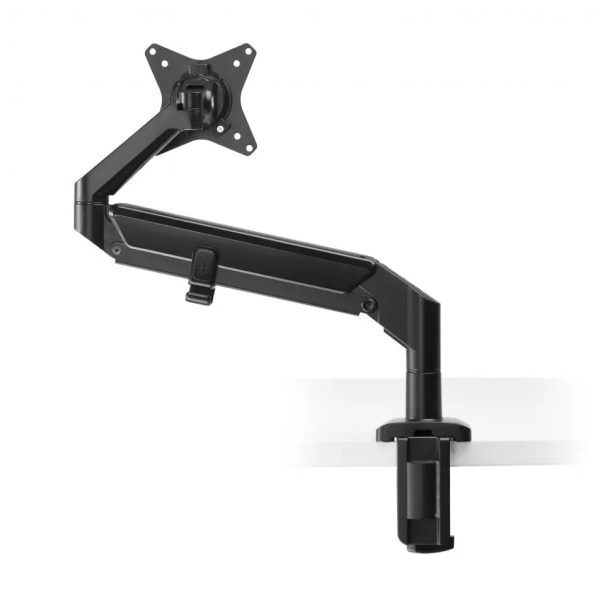
3. Articulating (Gas Spring) Arms
● Uses gas springs for smooth height and angle adjustments.
● Highly flexible for frequent repositioning.
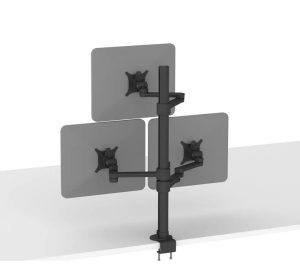
4. Fixed/Pole-Mounted Arms
● Less adjustable but more stable.
● Often used in offices with fixed-height setups.
5. Wall-Mounted Arms
● Saves desk space by attaching to the wall.
● Requires sturdy wall installation.
6. Clamp vs. Grommet Mount
● Clamp: Attaches to the desk edge (no drilling).
● Grommet: Fits through a pre-drilled hole in the desk.
Key Considerations for Office Fitouts
Desk Compatibility
● Thickness & Material: Check clamp/grommet fit (e.g., 0.5"–3.5" thickness).
● Standing Desks: Ensure arms can handle movement without wobbling.
Monitor Size & Weight Limits
● Standard office monitors (22"-34") usually fit most arms.
● Heavy or ultrawide screens may need heavy-duty arms.
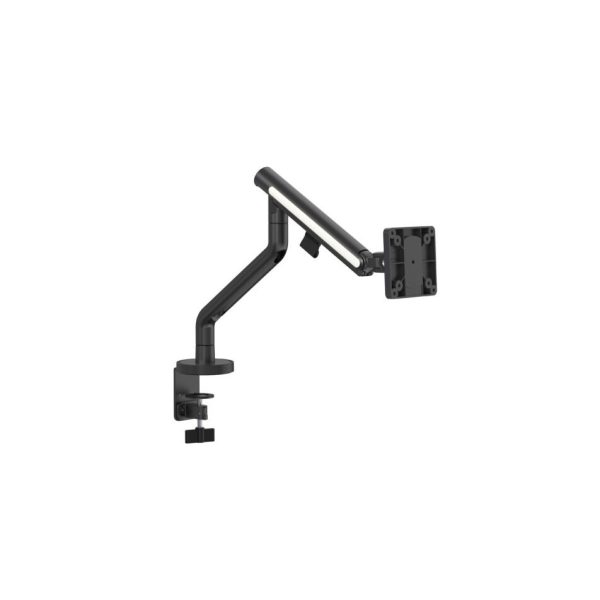
VESA Mount Compatibility
● Most office monitors support 75x75mm or 100x100mm VESA patterns.
Cable Management
● Built-in cable channels keep wires hidden for a clean look.
Conclusion
A monitor arm is a smart investment for anyone spending long hours at a desk. Whether setting up a corporate office, coworking space, or home office, it improves comfort, productivity, workspace aesthetics and employee well-being.
Show more
We care about your privacy
Site uses cookies to personalise your shopping experience. By continuing, you agree to our cookie policy.